
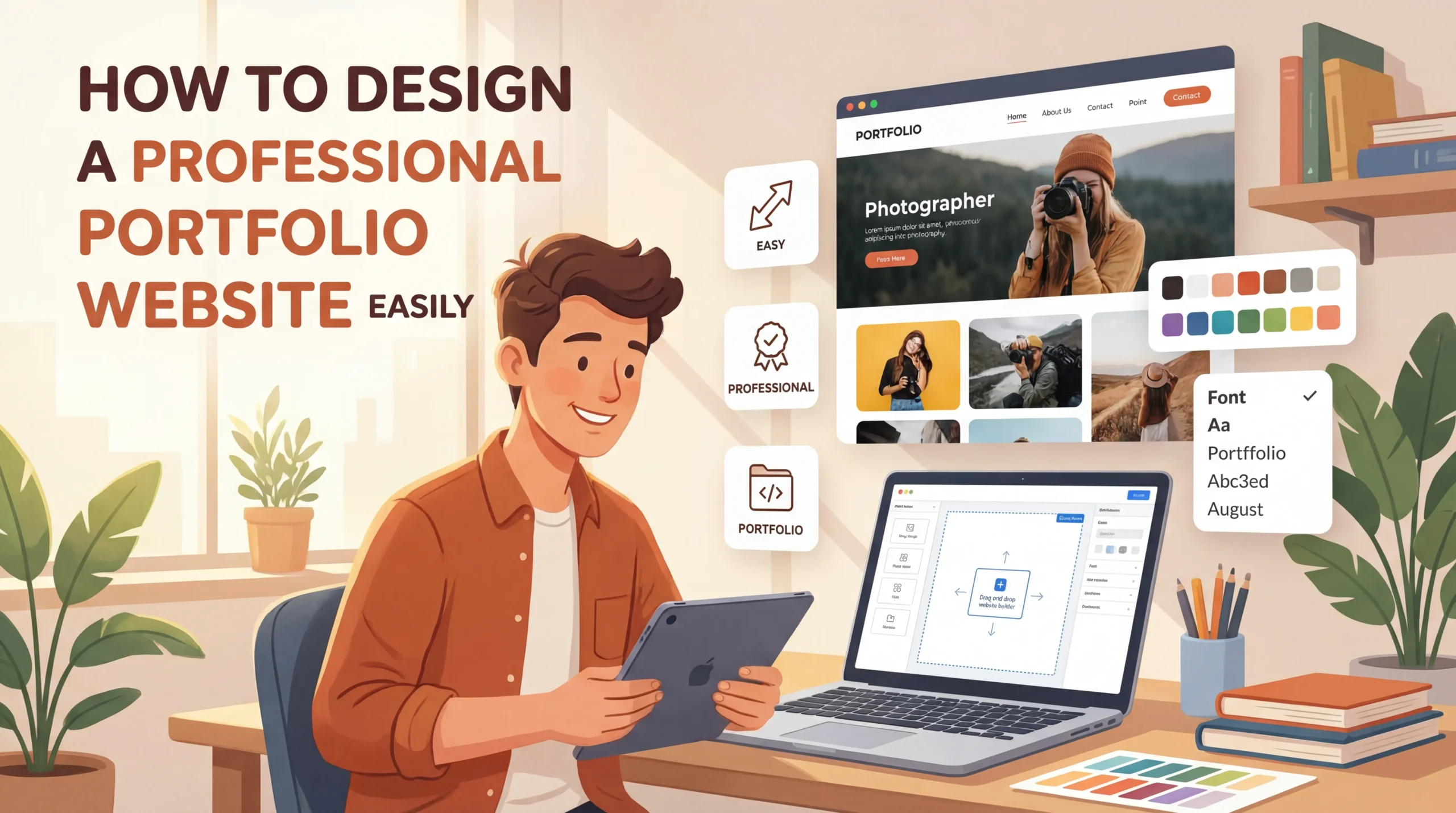
A professional portfolio website can open doors to countless opportunities. It allows you to showcase your skills, achievements, and creativity in a way that stands out. Did you know that 83% of employers find ePortfolios helpful during hiring? Many even use them to evaluate top candidates. Professionals like Jessica Hernandez and Matt Olpinski have built impressive careers by presenting their work through well-designed portfolio websites.
Learning how to build portfolio website is simpler than you might think. With the right tools and guidance, you can create a site that reflects your expertise and attracts the right audience.
What You Need to Create a Portfolio Website
Define Your Goals
Identify your target audience
Understanding who you want to reach is the first step in creating a portfolio website. Are you targeting potential employers, clients, or collaborators? Each group has different expectations.
Employers may look for a clear display of your skills and achievements.
Clients might focus on your past projects and testimonials.
Collaborators often seek shared interests or complementary expertise.
Defining your audience helps you tailor your website to meet their needs.
Clarify what skills, work, or achievements you want to showcase
Your portfolio should highlight your strengths. Decide which skills or projects best represent your expertise. For example, if you are a designer, include your most creative designs. Writers can showcase published articles or blogs. Focus on quality over quantity.
A few well-documented projects can leave a stronger impression than a cluttered display of every piece of work.
Gather Tools and Resources
Choose a website builder or CMS
Website builders simplify the process of creating a portfolio. Popular options include:
-
WordPress: Offers free and paid templates for customization.
-
Wix: Provides user-friendly drag-and-drop features.
-
Squarespace: Known for its sleek, professional templates.
-
Cargo: Ideal for creative professionals with unique design needs.
Webflow is another excellent choice. It allows you to create visually appealing websites without coding. Its free domain option and built-in CMS make it beginner-friendly.
Select design tools
Visuals play a key role in your portfolio. Tools like Canva and Figma help you design banners, icons, and other graphics. These tools are intuitive and offer templates to get you started quickly.
Prepare your content
Gather all the materials you need before building your site. This includes project descriptions, high-quality images, and your resume. Organize these elements to ensure a smooth workflow during the design process.
Who Should Try This?
Freelancers, job seekers, and creative professionals
A portfolio website benefits anyone looking to showcase their work. Freelancers, such as writers, designers, and photographers, can use it to attract clients. Job seekers can impress employers by presenting their skills in a professional format.
Anyone looking to establish an online presence
Portfolio websites are not limited to creative fields. Professionals like consultants, architects, and even healthcare providers can use them to build credibility. Whether you are an individual or part of a business, a portfolio website helps you stand out.
Step-by-Step Guide on How to Build Portfolio Website
Create a sitemap (e.g., Home, About, Projects, Contact)
A sitemap acts as the blueprint for your portfolio website. It organizes your content and ensures visitors can navigate easily. Include these key elements in your sitemap:
-
Design
-
Logo with Tagline
-
Call to Action
-
High-Quality Images
Additionally, focus on user-friendly navigation and responsive design. These features make your website accessible across devices. A clear sitemap helps you visualize the structure and ensures no important sections are overlooked.
Decide on the layout for each page
The layout of your pages determines how visitors interact with your content. Use a consistent design and color scheme to build credibility. High-quality images create a strong visual impact. Organize your content with intuitive navigation and include a prominent call to action.
For example, your “Projects” page could feature a grid layout with clickable thumbnails, while the “About” page might use a single-column format for readability.
Design Key Sections
Hero Section: Add a professional photo, tagline, and call-to-action
The hero section is the first thing visitors see. Use a high-quality image of yourself or your work to make a strong impression. Add a tagline that reflects your expertise and a call-to-action encouraging visitors to explore further.
For inspiration, check out ViralCuts, which uses a visually stunning hero section designed for conversions.
About Me: Write a concise bio highlighting your expertise and goals
The “About Me” section introduces you to your audience. Write a brief bio that showcases your skills and career goals. Include a professional photo to humanize your website. This section helps build trust and connects you with potential clients or employers.
Projects: Showcase your best work with descriptions, images, and links
Highlight your most impressive projects in this section. Include descriptions, high-quality images, and links to live examples. Prioritize quality over quantity to leave a lasting impression.
For example, Christina Kosik’s portfolio includes detailed case studies with links to finished projects, enhancing user engagement.
Contact: Include a form, email, and social media links
Make it easy for visitors to reach you. Add a contact form, your email address, and links to your social media profiles. This section ensures potential clients or employers can connect with you effortlessly.
Choose a Design Theme
Gather inspiration from other portfolio websites
Explore successful portfolio websites to find design ideas. For example, Jessica Hernandez’s portfolio features a colorful, personality-filled design, while Adam Ho’s portfolio offers a playful and interactive experience. These examples show how creative themes can make your website stand out.
Focus on simplicity, readability, and user-friendliness
A clean and professional design is crucial. Use easy-to-read fonts and a clear layout that directs attention to your work. Avoid clutter and ensure your website is responsive on all devices. A simple design enhances user experience and keeps visitors engaged.
Add Functionality
Ensure mobile responsiveness and fast loading speeds
Your portfolio website must perform well on all devices. Mobile responsiveness ensures your site adapts to different screen sizes, providing a seamless experience for visitors using smartphones or tablets. A responsive design improves navigation and readability, which keeps users engaged.
Tools like Google’s Mobile-Friendly Test can help you check your site’s compatibility.
Fast loading speeds are equally important. A slow website can frustrate visitors and increase bounce rates. Compress images and use lightweight themes to enhance performance. Platforms like GTmetrix or PageSpeed Insights can analyze your site’s speed and suggest improvements. A fast, responsive website not only improves user experience but also boosts your credibility.
Add interactive elements (e.g., hover effects, animations)
Interactive elements make your portfolio more engaging. Hover effects, for example, can highlight clickable areas like project thumbnails or buttons. Subtle animations can draw attention to key sections, such as your “About Me” or “Projects” pages. These features create a dynamic browsing experience that leaves a lasting impression.
When adding interactivity, focus on simplicity. Overusing animations can distract visitors from your content. Instead, use them strategically to enhance navigation and highlight your skills. For instance, a hover effect on your project images can reveal brief descriptions or links to case studies. This approach showcases your work while maintaining a professional design.
To summarize, functionality is essential when you create a portfolio. A responsive, fast-loading site with interactive features ensures visitors stay engaged and explore your work. These elements not only improve usability but also help establish your authority and professionalism.
Technical Steps to Create a Portfolio Website
Choose a Domain Name
Tips for selecting a professional and memorable domain name
Your domain name is the first impression visitors get of your portfolio. Choosing the right one is crucial. Follow these tips to make it professional and memorable:
-
Create a brand name that reflects your work and enhances professionalism.
-
Keep it short for easy readability and recall.
-
Avoid using dashes or numbers, as they can confuse visitors.
-
Select a relevant top-level domain (TLD) like .com, .design, or .io to make it unique.
-
Check for unintended meanings when combining words.
-
Consider how it will look in an email address for professional communication.
For example, names like “Visionary Excellence” or “Precision Portfolios” can effectively communicate your expertise. Using a TLD like .design adds a creative touch to your online portfolio.
Use domain registrars like Namecheap or GoDaddy
Once you finalize your domain name, register it through platforms like Namecheap or GoDaddy. These registrars offer affordable pricing and user-friendly interfaces. They also provide additional features like domain privacy protection to secure your information.
Select a Hosting Platform
Compare hosting options
Choosing the right hosting platform depends on your needs and budget. Here are some options:
-
Shared Hosting: Affordable and flexible, starting at $2-3 per month. Ideal for beginners but may struggle with high traffic.
-
Managed Hosting: Optimized for WordPress with faster load times, enhanced security, and expert support. Perfect for growing portfolios.
-
Free Platforms: Suitable for small-scale projects but often come with limitations like ads or restricted customization.
Recommendations for beginners
For beginners, platforms like Bluehost and HostGator offer reliable shared hosting plans. If you prefer a drag-and-drop builder, Webflow is an excellent choice. For creative professionals, Adobe Portfolio integrates seamlessly with Creative Cloud.
Deploy Your Website
Use website builders’ built-in deployment tools
Website builders simplify deployment. Follow these steps:
-
Choose a platform like Wix or Squarespace.
-
Select a template that aligns with your portfolio’s theme.
-
Customize the design and layout.
-
Add your content, including projects and contact details.
-
Publish your site using the builder’s built-in tools.
This process ensures a smooth launch without requiring technical expertise.
For custom-coded websites, use platforms like GitHub Pages, Netlify, or Vercel
If you prefer coding, platforms like GitHub Pages and Netlify make deployment straightforward. GitHub Pages works well for static sites, allowing you to deploy in minutes. Netlify supports dynamic sites and offers features like form handling without server-side code. Both options are free and beginner-friendly.
Potential Challenges When You Create a Portfolio
Lack of Design Skills
Use pre-made templates or hire a designer for assistance
Designing a portfolio can feel overwhelming, especially if you lack experience. Pre-made templates simplify this process. They provide a professional starting point and save time. For example, templates like the Portfolio Presentation Template or Mood Board Template help you organize your work visually.
|
Template Name |
Description |
|---|---|
|
Portfolio Presentation Template |
Engaging format to display work and help audiences visualize designs. |
|
Mood Board Template |
Communicates the mood of a project using images and colors. |
|
Design Critique Template |
Guides teams through design critique sessions to achieve desired outcomes. |
|
Card Sorting Template |
Facilitates brainstorming by grouping content, objects, or ideas efficiently. |
If templates don’t meet your needs, consider hiring a designer. A professional can create a custom layout that aligns with your goals.
Learn basic design principles (e.g., color theory, typography)
Understanding basic design principles improves your portfolio’s visual appeal. Focus on color theory to create harmony and balance. Typography also plays a key role. Choose fonts that are easy to read and match your brand. Avoid cluttered layouts or confusing navigation, as these can frustrate visitors.
Time Constraints
Break the process into smaller, manageable tasks
Time constraints can make building a portfolio feel daunting. Breaking the process into smaller tasks helps you stay organized. Start by planning 6–10 of your best projects to include. Then, focus on one section at a time, such as the “About Me” page or the “Projects” section.
Use website builders to save time
Website builders like Wix or Squarespace streamline the process. These platforms offer drag-and-drop features and pre-designed templates. This eliminates the need for coding and reduces the time spent on technical details. Keeping your design clean and simple also speeds up the process.
Technical Difficulties
Follow tutorials and guides for troubleshooting
Technical issues often arise when creating a portfolio. Common problems include low-quality images, poor mobile optimization, or a cluttered layout. Tutorials and guides can help you resolve these challenges. Platforms like YouTube or website builder blogs provide step-by-step instructions for troubleshooting.
Join online communities for support
Online communities offer valuable support. Forums like Reddit or groups on LinkedIn connect you with professionals who can answer your questions. These communities also share tips on improving SEO, optimizing layouts, and enhancing user experience.
Common Mistakes to Avoid When Building a Portfolio Website
Overloading the Website
Avoid cluttered designs and excessive content
A cluttered portfolio website can overwhelm visitors and make navigation difficult. Instead of showcasing every project, focus on your best work. Highlighting a few high-quality projects creates a stronger impression. For example, Olivier’s minimalist portfolio uses bright colors and subtle animations to draw attention to key projects.
Similarly, Alex’s portfolio features a clean design with a unique left-side menu for easy navigation. These examples demonstrate how simplicity enhances user experience.
Focus on showcasing your best work only
Quality always trumps quantity. Select projects that align with your goals and target audience. For instance, if you are a graphic designer, include designs that showcase your creativity and technical skills.
A well-curated portfolio not only looks professional but also communicates your expertise effectively.
Ignoring Mobile Optimization
Test your website on different devices
Mobile optimization is crucial for a successful portfolio. Neglecting it can lead to poor user experiences, higher bounce rates, and reduced visibility in search results. Google’s 2015 update penalized non-mobile-friendly websites, making mobile optimization essential. Test your site on various devices to ensure it functions smoothly.
Use responsive design techniques
Responsive design ensures your portfolio looks great on all screen sizes. Use lightweight themes and optimize images for faster loading times. Simplify navigation for smaller screens to improve usability.
Raphael’s one-page portfolio, with left-to-right scrolling and a dark theme, is an excellent example of mobile-friendly design.
Neglecting SEO
Use keywords in your content and meta descriptions
SEO helps your portfolio rank higher in search results. Incorporate long-tail keywords in project titles and descriptions to improve searchability. For example, Tiffany Davidson’s portfolio uses relevant keywords and client testimonials to enhance visibility.
Optimize images and use alt text
Optimized images improve loading speeds, which Google rewards with better rankings. Add descriptive alt text to images to make your portfolio accessible to all users. This practice also boosts your SEO performance.
Creating a professional portfolio website involves three key steps: preparation, design, and deployment. Start by defining your goals and gathering the right tools. Building a portfolio website is achievable with the right approach. You don’t need advanced technical skills to get started.
Take the first step today and create a site that showcases your expertise and opens doors to new opportunities.