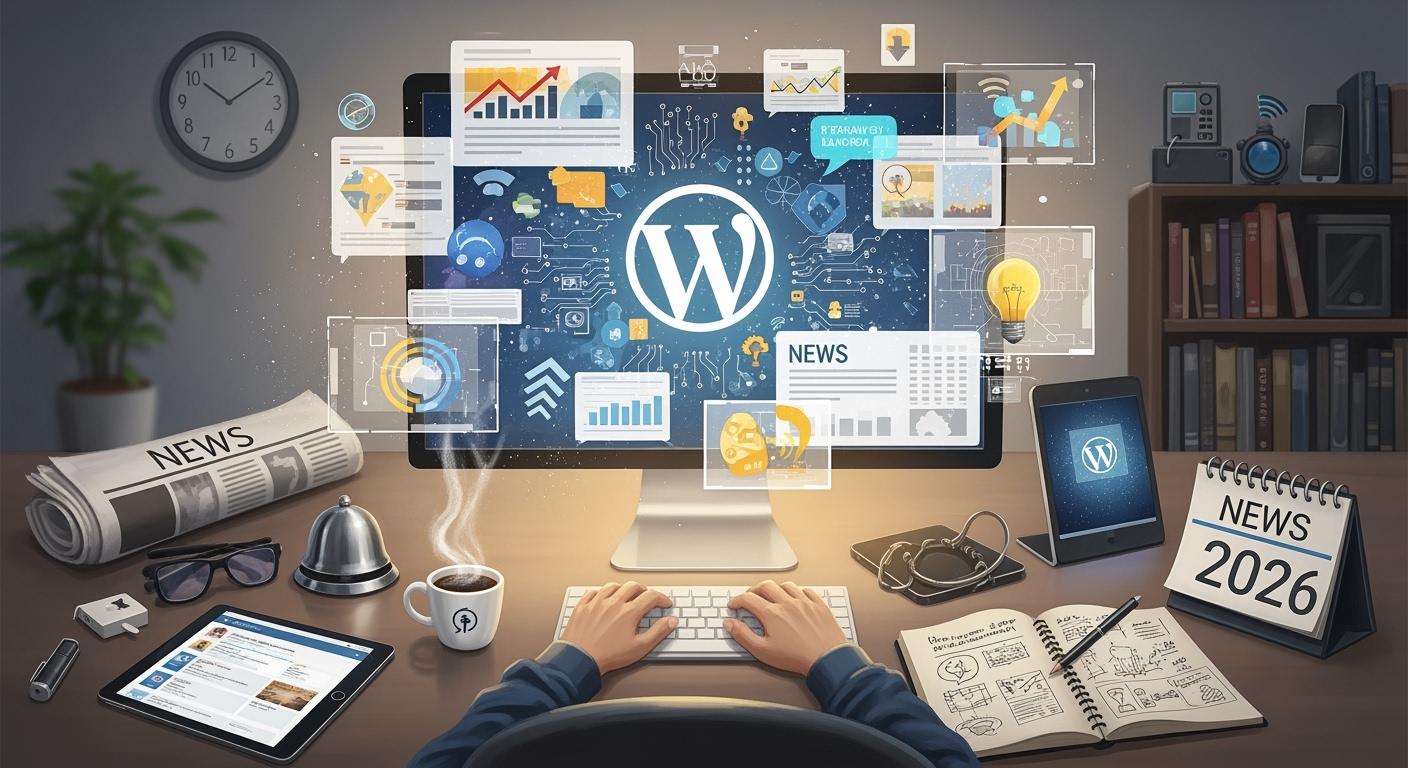
You’re about to witness some of the biggest WordPress news in years. WordPress in 2026 holds over 62% of the CMS market, leaving competitors far behind. These news might change the way you build, manage, and grow your site. You’ll see integrated SEO tools, smarter payment gateways, and built-in analytics. If you’re a developer, you’ll adapt to AI-powered tools and new headless features. Stay alert—these changes make WordPress more powerful for your business. Let’s jump into the key trends shaping your next move.
- WordPress News: Key Trends for 2026
- AI Personalization in WordPress
- Headless WordPress Trends
- Security in WordPress 2026
- No-Code and Low-Code WordPress Tools
- Design Trends in WordPress
- Customization and Custom Post Types
- AR/VR and WordPress User Engagement
- Openness and Interoperability in WordPress
- Enterprise WordPress in 2026
- FAQ
WordPress News: Key Trends for 2026
You want to stay ahead of the curve, so let’s break down the most important wordpress news shaping the future. The latest wordpress trends are changing how you build, design, and manage your site. You’ll see new tools, smarter features, and a focus on making everything easier for you.
These trends matter because they help you create better experiences for your visitors and keep your site competitive.
Drag-and-Drop Page Building
Drag-and-drop page building is everywhere in wordpress news right now. You don’t need to know code to create a beautiful site. Tools like Elementor still lead the market, but their share is dropping as more options appear. Gutenberg Full Site Editing is growing fast and challenging third-party builders. By 2026, about 60% of wordpress sites will use some form of page builder. These tools are getting smarter, too. AI now helps you design pages and personalize content for your visitors.
This evolution makes web design simple and fun, even if you’re just starting out.
Block Themes and Modular Design
The rise of block themes is one of the biggest wordpress trends for 2026. You get more control and flexibility with block-based layouts. You can mix and match blocks to create unique designs without heavy coding. Here’s what you gain with block themes and modular design:
|
Advantage |
Description |
|---|---|
|
Greater Flexibility |
Mix and match blocks for unique layouts. |
|
Enhanced Customization |
Change individual blocks to fit your style. |
|
Improved User Experience |
Build easily with the Gutenberg block editor. |
|
Responsive Design |
Your site looks great on any device. |
|
Full Visual Control |
Control your site’s structure without relying on page builders. |
|
Speedy Layout Changes |
Update layouts quickly and efficiently. |
|
Alignment with Future Development |
Stay relevant as wordpress trends evolve. |
You’ll see block themes everywhere in wordpress news because they make your site future-proof.
Improved Navigation and Usability
Navigation is getting a big upgrade in wordpress in 2026. You want your visitors to find what they need fast. New wordpress trends focus on clear, consistent menus and better accessibility. For example, you’ll see descriptive links instead of generic “Read More” buttons. Skip links in headers let users jump straight to content. Main, nav, and footer landmarks now appear on every template. Menus, sidebars, and footers stay the same across your site. Keyboard support and visible focus states are also standard.
These changes make your site easier for everyone to use.
AI Personalization in WordPress
You’ve seen how WordPress keeps getting easier to use and more flexible. Now, let’s talk about the next big thing: ai-driven personalization. In 2026, you can give every visitor a unique experience on your site. AI personalization is changing the way you deliver content. It looks at what your users do, where they come from, and what they like. Then, it adapts your site to fit their needs. This means your visitors see content, products, and offers that matter to them. You boost engagement and keep people coming back for more.
Smarter Content Recommendations
With ai-driven personalization, your WordPress site can suggest the right content at the right time. AI tools watch how users interact with your pages. They notice what topics get clicks and which posts keep people reading. For example, if someone from a cold region visits your store, your site can show them winter gear first. AI also helps editors by suggesting related articles based on meaning, not just tags. This makes your recommendations smarter and more relevant.
You don’t have to spend hours curating links or updating lists. AI handles it for you, so your audience always finds something interesting.
-
ClassifAI and similar plugins use advanced matching to connect users with content they care about.
-
These tools improve internal linking and help users discover more of your site.
-
You get better recirculation across your content library, even if your topics are diverse.
Automated User Experience
AI-driven personalization goes beyond content. It automates many parts of the user experience. You can use AI to create blog drafts, suggest headlines, and even optimize your SEO in real time. AI chatbots answer questions and guide visitors 24/7. Your site can adjust landing pages based on user behavior, making every visit feel personal. AI also keeps your site running smoothly by spotting performance issues and fixing them before users notice.
Here’s how you can use AI to improve your WordPress site:
|
AI Tool |
What It Does |
|---|---|
|
GetGenie |
Generates content and analyzes SEO |
|
Elementor AI |
Designs pages and creates content faster |
|
Rank Math |
Automates SEO tasks and keyword optimization |
You don’t need to be a developer to use these tools. Just install the right plugin and let AI handle the heavy lifting. This way, you focus on creating great content while AI takes care of the details. Your visitors get a seamless, personalized experience every time they visit.
Headless WordPress Trends
You’ve seen how AI can personalize your site. Now, let’s look at another big shift for 2026: headless wordpress. This approach separates your site’s backend from the frontend. You get more control, better speed, and new ways to build amazing experiences.
Decoupled Architecture Benefits
When you use a decoupled setup, you unlock several advantages. You can boost your site’s performance, tighten security, and scale with ease.
Here’s a quick look at what you gain:
|
Benefit |
Description |
|---|---|
|
Performance gains |
Pre-rendering, caching, and edge delivery make your pages load faster and reduce server strain. |
|
Security improvements |
Your backend stays hidden, so you can set strict network rules and keep sensitive wordpress areas safe from public view. |
|
Flexibility and scalability |
You can redesign or experiment with your frontend without touching the wordpress backend, which helps you innovate fast. |
You don’t have to stick with old templates. You can try new designs and features without breaking your main site.
Integrating Modern Frontends
In 2026, you have more choices than ever for building your site’s frontend. The most popular frameworks for headless wordpress are Next.js, Astro, Nuxt, and SvelteKit. Each one brings something special to the table.
-
Next.js 16: Great for full-featured sites with dynamic content and a huge ecosystem.
-
Astro 6: Perfect for content-heavy sites and blogs. It ships zero JavaScript by default, so your pages load fast.
-
Nuxt 4: The Vue version of Next.js. It’s a solid pick if you love Vue.
-
SvelteKit 2: Focuses on small bundle sizes and top performance.
You can also use React or Vue.js if you want more flexibility. Next.js and Nuxt make it easy to connect your frontend to your wordpress backend. Astro is ideal if you want speed for your marketing site. SvelteKit helps you keep things light and fast.
With these tools, you can build a site that looks modern and runs smoothly. You don’t have to worry about slow pages or clunky designs. Headless wordpress lets you mix the best backend with the latest frontend tech.
Security in WordPress 2026
You want your wordpress site to feel safe for every visitor. Security is now more important than ever. As you explore new features and headless setups, you also face new risks. The security landscape in 2026 looks very different from just a few years ago. You need to stay alert and ready for anything.
Next-Gen Authentication
You can’t rely on old passwords anymore. Attackers use AI to break weak logins in seconds. That’s why next-generation authentication methods are everywhere in wordpress news. You have better options now. Take a look at what’s leading the way:
|
Authentication Method |
Description |
Benefits |
|---|---|---|
|
Two-Factor Authentication (2FA) |
Adds an extra layer of security beyond passwords. |
Blocks 99.9% of automated attacks. |
|
Passkeys (Passwordless) |
Utilizes plugins supporting WebAuthn for secure logins without passwords. |
Enhances security by eliminating weak passwords. |
You can set up 2FA or passkeys with just a few clicks. These tools make your login experience smoother and safer. You don’t have to remember complicated passwords. Instead, you get a fast, secure way to access your wordpress dashboard.
Real-Time Threat Detection
You face new threats every day. Hackers use AI to find and attack vulnerabilities in hours, not days. Standard security tools can’t keep up. You need real-time threat detection to protect your wordpress site and your visitors’ experience.
Here’s how modern security tools help you:
-
Automated vulnerability mitigation activates within hours of a new threat.
-
Server-level malware detection finds hidden code and memory-based attacks.
-
You get better visibility into every part of your site, including custom plugins and AI-generated components.
-
Provides immediate response to potential threats.
-
Enhances overall site security by preventing exploitation.
You don’t have to worry about missing a new attack. Real-time tools watch your site around the clock. They keep your wordpress experience safe and smooth for everyone.
No-Code and Low-Code WordPress Tools
You want to build a site without feeling overwhelmed by code. In 2026, you have more power than ever to create and manage your wordpress site—even if you’re not a developer. Let’s see how these tools are changing the game for everyone.
Empowering Non-Developers
You don’t need to write a single line of code to launch a professional site. No-code and low-code tools give you user-friendly interfaces that make everything simple. You can drag and drop elements, pick from template libraries, and see changes in real time. These tools work for all kinds of sites, like blogs, portfolios, and small business pages.
Here are some of the most popular options you’ll find in 2026:
-
InstaWP Connect helps you stage and migrate sites with just a few clicks. You get a free plan, and pro features if you need more.
-
Crocoblock Tools let you build custom sites without coding. You can use dynamic features and start with WordPress 5.8 or higher.
You get to focus on your ideas, not the technical details. These tools open the door for anyone who wants to build with wordpress.
Streamlined Site Creation
You want your site up and running fast. New features in wordpress make that possible. You can use block themes for easy layouts and global styles. The Full Site Editor lets you design visually, so you don’t need to touch code. Pattern libraries help you reuse design elements and keep your site looking sharp.
Here’s a quick look at what’s making site creation smoother:
|
Feature |
Description |
|---|---|
|
GraphQL |
Lets you pull only the data you need, making your site faster. |
|
Block Theme Development |
Gives you responsive layouts and easy management. |
|
Full Site Editor (FSE) |
Lets you design your whole site visually, with tools like the Style Book for quick changes. |
|
AI Integration |
Speeds up your workflow and adds smart features. |
|
Pattern Libraries |
Helps you build with reusable pieces for a consistent look. |
You don’t have to wait weeks to launch your site. With these tools, you can go from idea to live site in record time.
Design Trends in WordPress
You’ve seen how easy it is to build a site with no-code tools. Now, let’s talk about the design trends that make your wordpress site stand out in 2026. Designers focus on user-centric experiences and ethical practices. You want your site to look modern and feel impressive. Advanced technologies like AI and AR help you create solutions that match your brand and connect with your audience.
Adaptive Media and Responsive Design
You want your site to look great on every device. Adaptive media and responsive design are key. Here’s how designers use these approaches:
-
Adaptive design works well for specific screens or devices. It gives you layouts that fit strict interface rules and improve user experience.
-
Responsive design is efficient and cost-effective. It helps your site rank better in search engines.
-
Combining both methods is best. Use responsive design as your base, then add adaptive features where needed.
Parallax Scrolling Effects
Parallax scrolling effects add depth and movement to your wordpress site. You can use these effects to guide visitors and tell your story. Designers in 2026 focus on performance and subtlety. They make sure animations work well on mobile devices and serve a purpose.
|
Principle/Example |
Description |
|---|---|
|
Prioritize Performance |
Optimize images for smooth scrolling. |
|
Embrace Subtlety |
Use slight scroll speed differences for depth. |
|
Mobile-First Mindset |
Simplify animations for mobile accessibility. |
|
Anchor Effects to Narrative |
Make animations guide user interaction. |
|
Stunning Examples |
Show parallax effects from subtle to cinematic storytelling. |
Minimalist Aesthetics
Minimalist aesthetics shape wordpress design in 2026. You see functional minimalism everywhere. Designers remove anything that doesn’t help users take the next step. They limit calls to action to one per section. They use a simple color palette and make navigation easy. This approach boosts user experience and conversion rates.
You can use these trends to create a site that feels fresh, modern, and easy to use.
Customization and Custom Post Types
You’ve seen how design trends shape your site’s look. Now, let’s talk about how you can take control of your content and structure with customization and custom post types. In 2026, wordpress gives you more ways than ever to create unique sites that fit your needs.
Expanded Content Options
You don’t have to settle for basic posts and pages anymore. With new plugins and tools, you can build custom content types for anything—like portfolios, events, or product catalogs. Here are some top plugins making this possible:
|
Plugin Name |
Core Features |
Pricing |
|---|---|---|
|
Pods |
Custom content creation, advanced relationships, flexible display options |
Free, Pro starts at $79/year |
|
Meta Box |
User interface, live editing mode, export to PHP code |
Starts at $149/year |
|
Custom Post Type UI |
No-code registration, advanced labeling, import/export |
Premium starts at $29.00 |
You can use these tools to add new sections to your site without touching code. AI tools for content creation help you work faster. Performance and security improvements keep your site running smoothly. Mobile-first design and accessibility compliance are now standard, so your content looks great and works for everyone. Smarter caching and stricter security also protect your data and boost your search rankings.
-
Improved block editor makes managing content easier.
-
Responsive blocks adapt to any device.
-
WCAG compliance ensures your site is usable for all visitors.
Enhanced User Control
You want to feel in charge of your site. In 2026, wordpress puts powerful customization tools right at your fingertips. You can automate tasks, generate content, and even add chatbots—all without hiring a developer.
-
Elementor + AI Copilot writes copy and creates images for you.
-
AI Engine adds a chat interface, so visitors can interact with your site.
-
AI Power brings content generation into your dashboard, supporting multiple AI models.
These tools give you more freedom to experiment and personalize your site. You can adjust layouts, add new features, and respond to user needs quickly. This level of control leads to an enhanced user experience for both you and your visitors.
AR/VR and WordPress User Engagement
You’ve seen how customization gives you control over your site. Now, let’s talk about the next big thing—AR and VR. These technologies are changing how you connect with your audience on wordpress. You can turn a regular visit into an adventure. People want more than just text and images. They want to interact, explore, and experience your content in new ways.
Immersive Content Features
You can add AR and VR features to your wordpress site to create unforgettable moments. Imagine letting shoppers try on clothes virtually or see how a new sofa looks in their living room. Real estate agents can offer virtual property tours, and event organizers can host conferences that feel like you’re really there. E-learning sites use interactive training modules and simulations to keep students interested.
Here’s what you’ll see on top sites in 2026:
-
Augmented reality for virtual try-ons in fashion and furniture.
-
Full 3D product views that let users explore items in their own space.
-
Virtual events and conferences that bring people together from anywhere.
-
Interactive learning tools that make lessons stick.
Retailers report higher engagement when customers use AR to preview products. People spend more time on immersive sites, which leads to deeper exploration and more sales. When users can see and interact with products, they feel more confident about buying. This means fewer returns and happier customers. You’ll also notice that unique experiences keep people coming back, which boosts user engagement.
Getting Started with AR/VR
You don’t need to be a tech wizard to add AR or VR to your wordpress site. Here’s how you can get started:
-
Know your audience. Think about what they want and how AR can help them.
-
Keep things simple. Make sure your AR features are easy to use and don’t overwhelm visitors.
-
Optimize your site for speed. AR can slow things down, so make sure everything loads fast.
-
Test on different devices. Try your AR features on phones, tablets, and computers to make sure they work everywhere.
-
Focus on accessibility. Make sure everyone can use your AR content, including people with disabilities.
You can use plugins and tools designed for wordpress to add these features. Start with a basic AR experience, like a 3D product view, and see how your visitors respond. As you get comfortable, you can add more advanced options. With the right approach, you’ll create a site that stands out and keeps people coming back for more.
Openness and Interoperability in WordPress
You’ve seen how AR and VR can boost engagement. Now, let’s talk about openness and interoperability. These ideas shape the wordpress ecosystem in 2026. You want your site to connect with other tools and services. Openness lets you build, scale, and adapt without limits.
Interoperability means your site works smoothly with plugins, APIs, and third-party apps.
API and Third-Party Integration
APIs are the backbone of modern wordpress sites. You can fetch data, connect services, and build custom features. In 2026, you have two main options: REST API and GraphQL. Each one brings something different to the table.
|
Feature |
REST API |
GraphQL |
|---|---|---|
|
Data Fetching |
Fixed endpoints return predefined data |
Client specifies exactly what data is needed |
|
Flexibility |
Limited by predefined endpoints |
Highly flexible, supports complex queries |
|
Performance |
Can be less efficient due to over-fetching |
More efficient as it reduces over-fetching |
You get more control with GraphQL. It helps you avoid loading extra data. REST API is simple and works well for basic needs. Both options help you connect your wordpress site to third-party tools. You can build custom dashboards, automate tasks, or sync with other platforms.
Open Source Collaboration
Open source drives innovation in the wordpress ecosystem. You can share components, integrate services, and avoid vendor lock-in. Collaborative standards make it easy for developers to work together. Open systems scale and adapt faster.
-
Open collaborative standards let you share and integrate with ease.
-
You avoid vendor lock-in, so you stay flexible.
-
Open systems are easier to maintain and grow.
The @wordpress/build tool makes cross-plugin compatibility simple. It reads package metadata and manages imports for you. You spend less time fixing conflicts and more time building features.
You’re ready to explore new integrations and join the open source movement. The wordpress ecosystem keeps growing, and you can be part of it.
Enterprise WordPress in 2026
You’ve seen how openness and integration shape the future. Now, let’s talk about what enterprise users need from wordpress in 2026. If you run a large site or manage a growing business, you want tools that keep up with your ambitions. You need a platform that scales, performs, and meets strict rules.
Scalability and Performance
You want your site to handle big spikes in traffic. Maybe you run a news site, an online store, or a membership platform. With wordpress in 2026, you get features that support massive growth. Cloud hosting, edge caching, and serverless functions help your site stay fast, even when thousands visit at once.
Here’s what makes a difference for you:
-
Auto-scaling servers adjust to your traffic in real time.
-
Built-in performance monitoring shows you what’s slowing things down.
-
Content Delivery Networks (CDNs) deliver your pages worldwide.
You can use these tools to keep your site running smoothly. You don’t have to worry about downtime during a big sale or viral post. The latest updates in wordpress in 2026 focus on speed and reliability for every user.
Compliance and Governance
You know that rules keep changing. Privacy laws, accessibility standards, and data protection matter more than ever. With wordpress in 2026, you get built-in tools for compliance. You can set user roles, track changes, and manage permissions with ease.
Check out this quick table:
|
Feature |
What It Helps With |
|---|---|
|
Audit Logs |
Track every change |
|
Role-Based Access |
Control who sees what |
|
Privacy Management |
Meet global regulations |
|
Accessibility Checker |
Stay WCAG compliant |
You can show your customers that you take their data seriously. You also protect your business from fines and legal trouble. As you plan for growth, these features help you stay ahead of the curve.
You’ve seen the biggest shifts shaping wordpress in 2026. These trends change how you build, manage, and grow your site. If you stay alert and adapt, you’ll keep your site ahead of the curve. Try new tools, explore fresh features, and join the community.
Keep learning and experimenting. Your site will stand out as you embrace these shifts.
FAQ
What makes WordPress in 2026 different from earlier versions?
You get smarter tools, better security, and more ways to customize your site. AI, AR/VR, and no-code features make building and managing your site easier than ever.
Do I need to know how to code to use new WordPress features?
No, you don’t. You can use drag-and-drop builders, block themes, and AI tools. These let you create and manage your site without writing code.
How can I keep my WordPress site secure in 2026?
Use two-factor authentication, real-time threat detection, and keep plugins updated. Try passwordless logins for extra safety. Security plugins help you stay protected.
Can I connect WordPress with other tools and apps?
Yes! You can use APIs like REST or GraphQL. These let you link your site with third-party services, automate tasks, and build custom features.